TableStage is purpose-built map display software for in-person tabletop games. It runs on a Raspberry Pi 4 as a flashable image and turns any TV or screen into a controllable map display, operated entirely from a phone or tablet browser. Setup takes a few minutes: flash the image to an SD card, plug the Pi into the screen, scan the QR code that appears, and the display is live. There is no open laptop at the table, no PC, no cloud, no accounts, and nothing for players to install. A Windows version is coming to Steam soon.
TableStage is deliberately not a full VTT. It has no tokens, no character sheets, no dynamic lighting, and no rules automation, and it does not try to move the game onto a screen. Physical minis stay on the table. The software exists to do one job well: put maps on the table with as little friction as possible, and add atmosphere with pinned music and ambience.
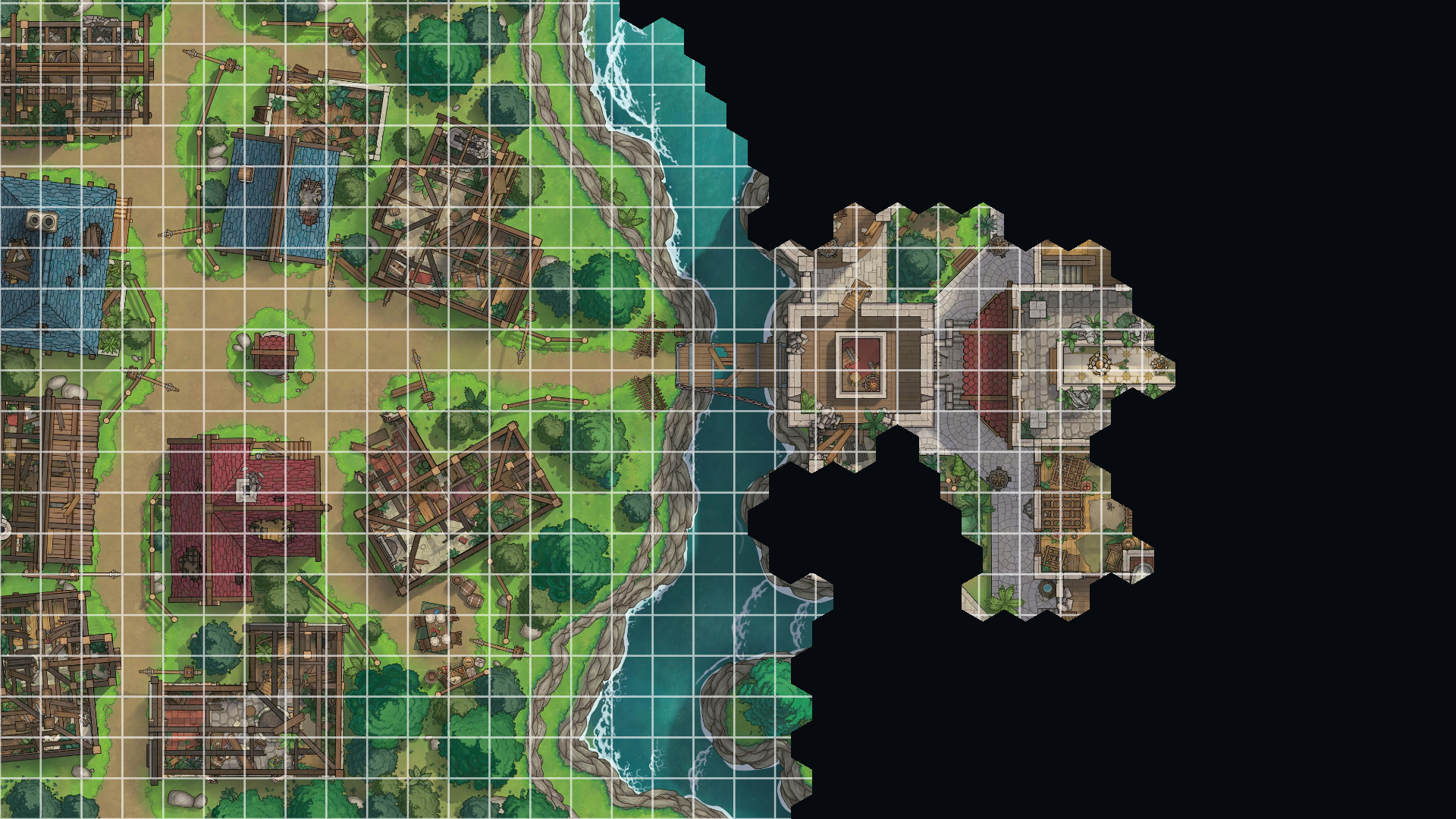
The GM controls everything from their phone, including switching maps, drawing fog of war live as the party explores, adjusting the grid, and managing audio. Maps are organised into collections, so a GM can group everything for a campaign or a session and switch between them quickly during play, with audio pinned per map. Collections can be exported and imported, which makes it straightforward to back up a library, move it to another device, or share a prepared set with someone else. The display itself shows only the map, with no menus, cursors, or interface clutter visible to players. Everything runs locally over the group's own Wi-Fi, and after initial setup the system never touches the internet, making it suitable for venues without reliable connectivity.
Key features
Static and animated maps up to 4K60
Fog of war drawn on the phone, revealed live on the screen as the party explores
Grid overlay calibrated to your screen (size, shape, colour, opacity)
Maps organised into collections
Audio pinned per map for autoplay on map selection or playable from the playlist
Collections can be exported and imported for backup, transfer, or sharing
Music and ambience over Bluetooth, AirPlay, HDMI, or the Pi's audio jack
Idle screens, colour grading, and animated overlays such as clouds and fog
Controller runs in any browser, optimised for mobile device operation
Fully offline after setup
Suitable for
Groups playing in person who want maps displayed on a TV or table screen without a computer at the table, who prefer to keep their physical minis, and who want a setup that works without configuration or accounts.
Links
tablestage.com  https://tablestage.com/
 - Official website